The essentials
FPS, CPS, ping and coordinates, visible at a glance.
A Minecraft client built around how you play. Customise your HUD, pick your modules, and jump into your favourite version.
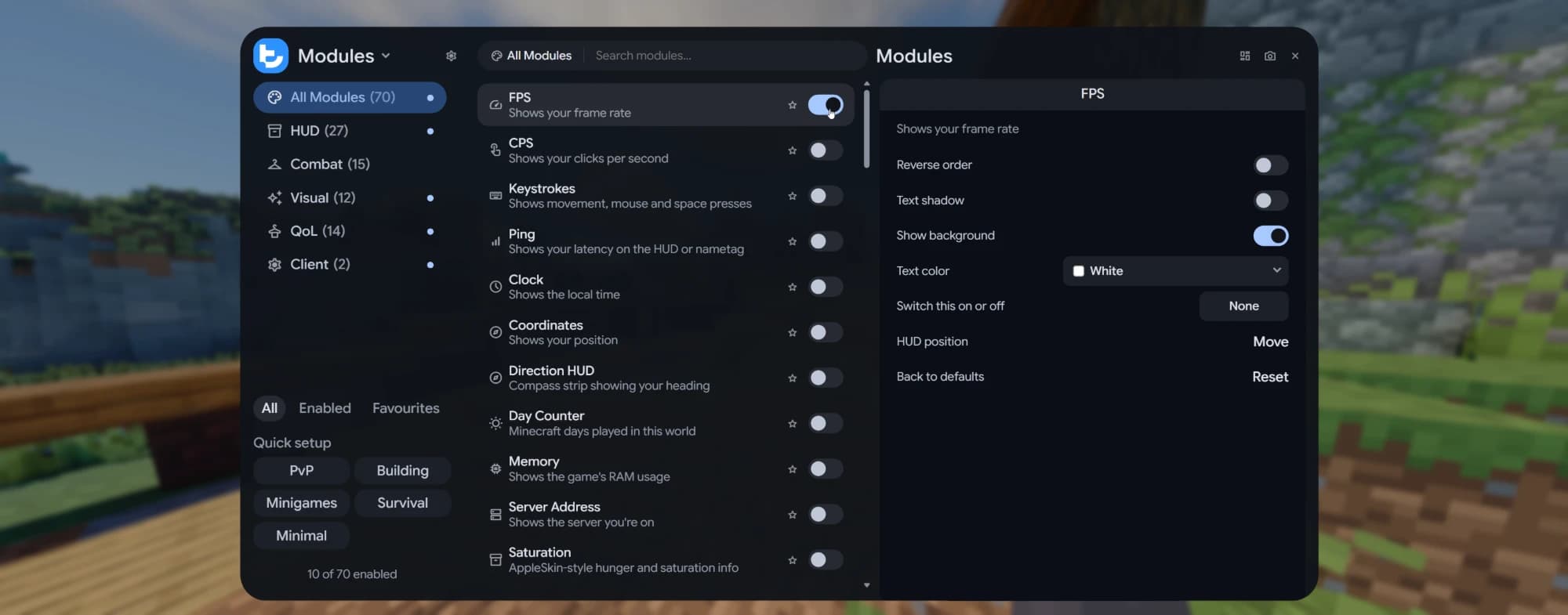
Keep an eye on the essentials without losing sight of the game.
FPS, CPS, ping and coordinates, visible at a glance.
Move each HUD element into position with the in-game editor.
Tune text colours and backgrounds to suit your setup.
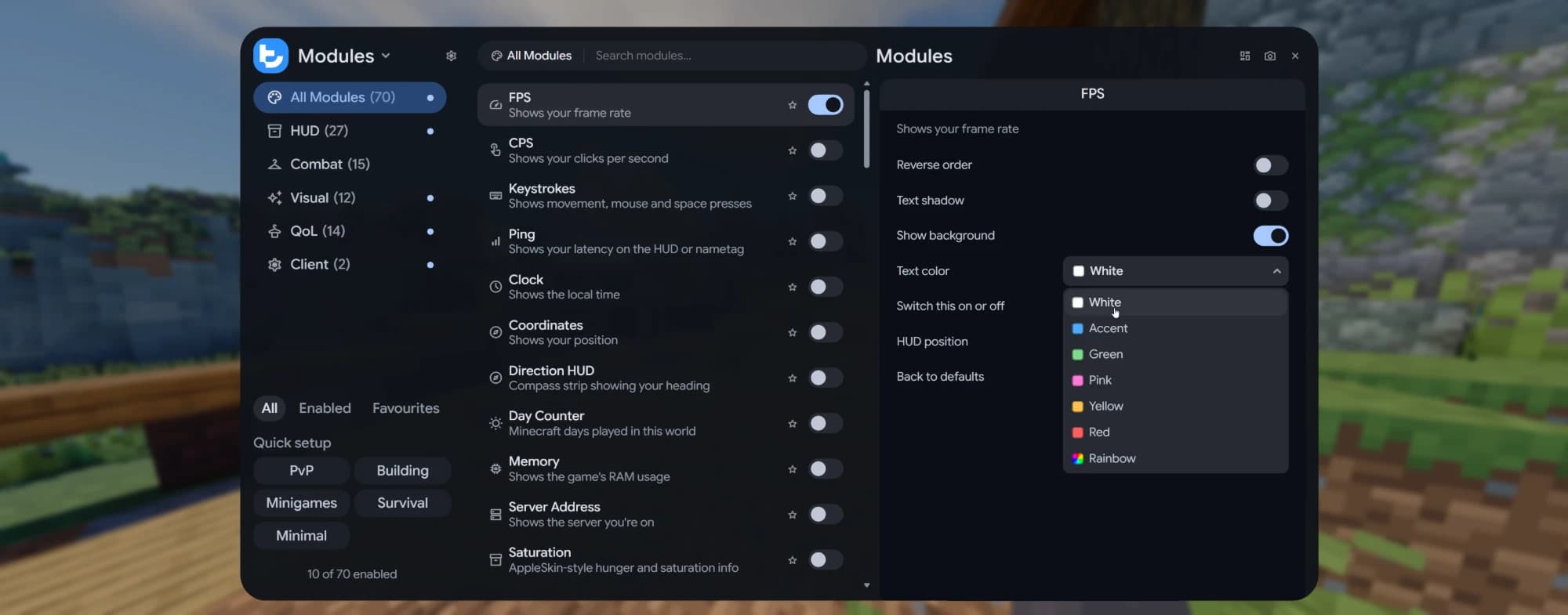
Small things that make every session smoother.
Hold a key to zoom in, past your hand.
Mark places in the world and find your way back.
Save the last few moments as a clip after something great happens.
Play and navigate menus with a controller.
Hide your name and skin while you stream.
Lock the sky to your favourite time of day.
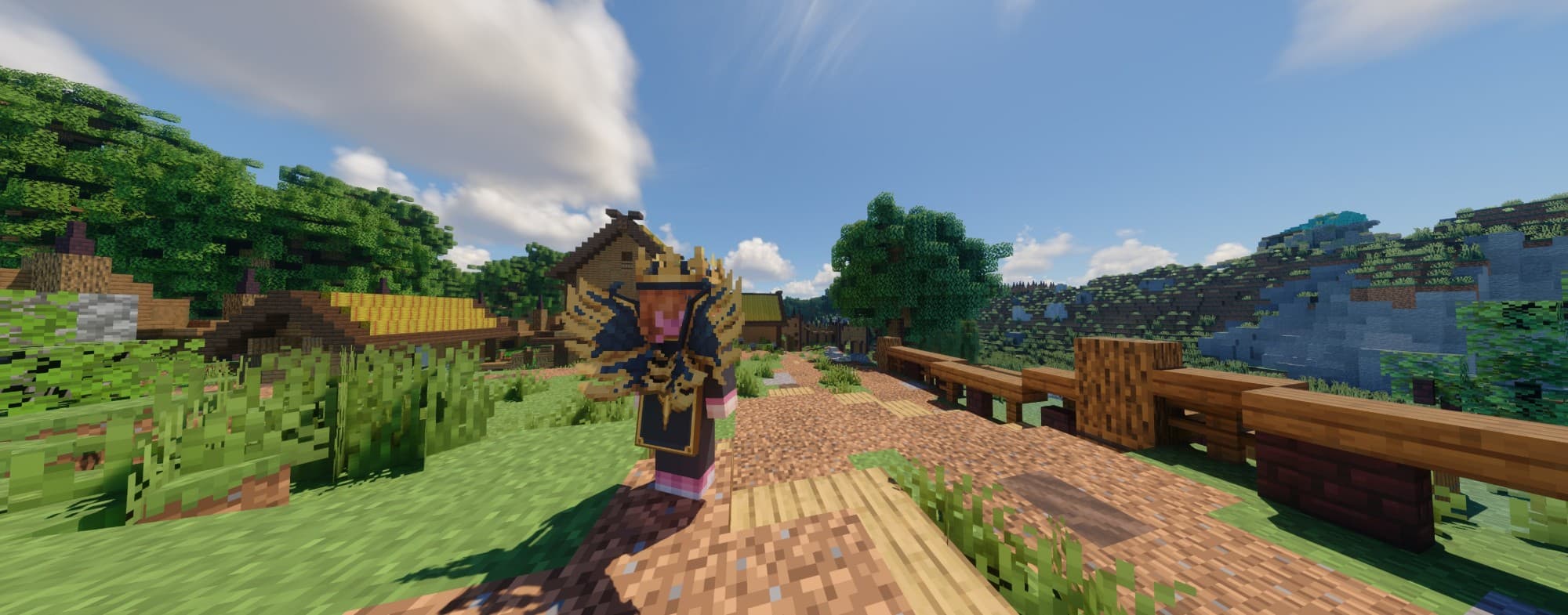
Capes, wings, hats and badges that other Teho players see too.
From 1.7.10 to 26.3, keep the Teho controls and HUD tools you know when you switch between supported versions.
1.7.10, 1.8.9, 1.12.2, 1.16.5, 1.17.1, 1.18.1, 1.18.2, 1.19–1.19.4, 1.20–1.20.6, 1.21–1.21.11, 26.1, 26.1.1, 26.1.2, 26.2, 26.3
Your friends list lives in the launcher and in game, so you always know who is online and where they are playing.
Add friends once and see them across every version.
Message friends from the launcher or right inside the game.
See what your friends are playing and join them in a click.
The Teho Server API lets server owners go further than vanilla allows, for every player on Teho.
Developer docsSidebars, boss bars, kill feeds and team panels styled to match Teho.
Point players where they need to go, right in the world.
Take players on a guided tour or show off a moment.
Moderation tools for your team, with a dashboard right in the game.
Can't find what you're looking for? Our team and community are on Discord.
Ask on DiscordYes. Teho is free to download and play.
Teho is in Private Beta. Apply on the Private Beta page before 10 November, and selected testers are invited by email.
A Windows PC and a Minecraft: Java Edition account. There is no separate Teho account to make: you sign in with the Microsoft account you already play with.
Every version from 1.7.10 to 26.3: 1.7.10, 1.8.9, 1.12.2, 1.16.5, 1.17.1, 1.18.1, 1.18.2, 1.19–1.19.4, 1.20–1.20.6, 1.21–1.21.11, 26.1, 26.1.1, 26.1.2, 26.2, 26.3.
Yes. Your modules, HUD layout and controls carry across every supported version, so switching versions feels the same.
Over 70, from HUD elements like FPS and keystrokes to quality of life tools like Zoom, Toggle Sprint and Nick Hider. Quick setup presets get you started for PvP, building, minigames or survival.
The Teho launcher and client are code-signed by SGM Studios LTD, so Windows can confirm they come from us and have not been changed.
Use Report a problem in the Teho settings menu in game, or tell us on Discord.
Applications for Private Beta wave two are open until 10 November. Testing runs from 13 to 22 November.